Free LipSync and Auto Blink for Unity
A downloadable asset pack
Free for any use except claiming as your own! Gimme credit tho pls
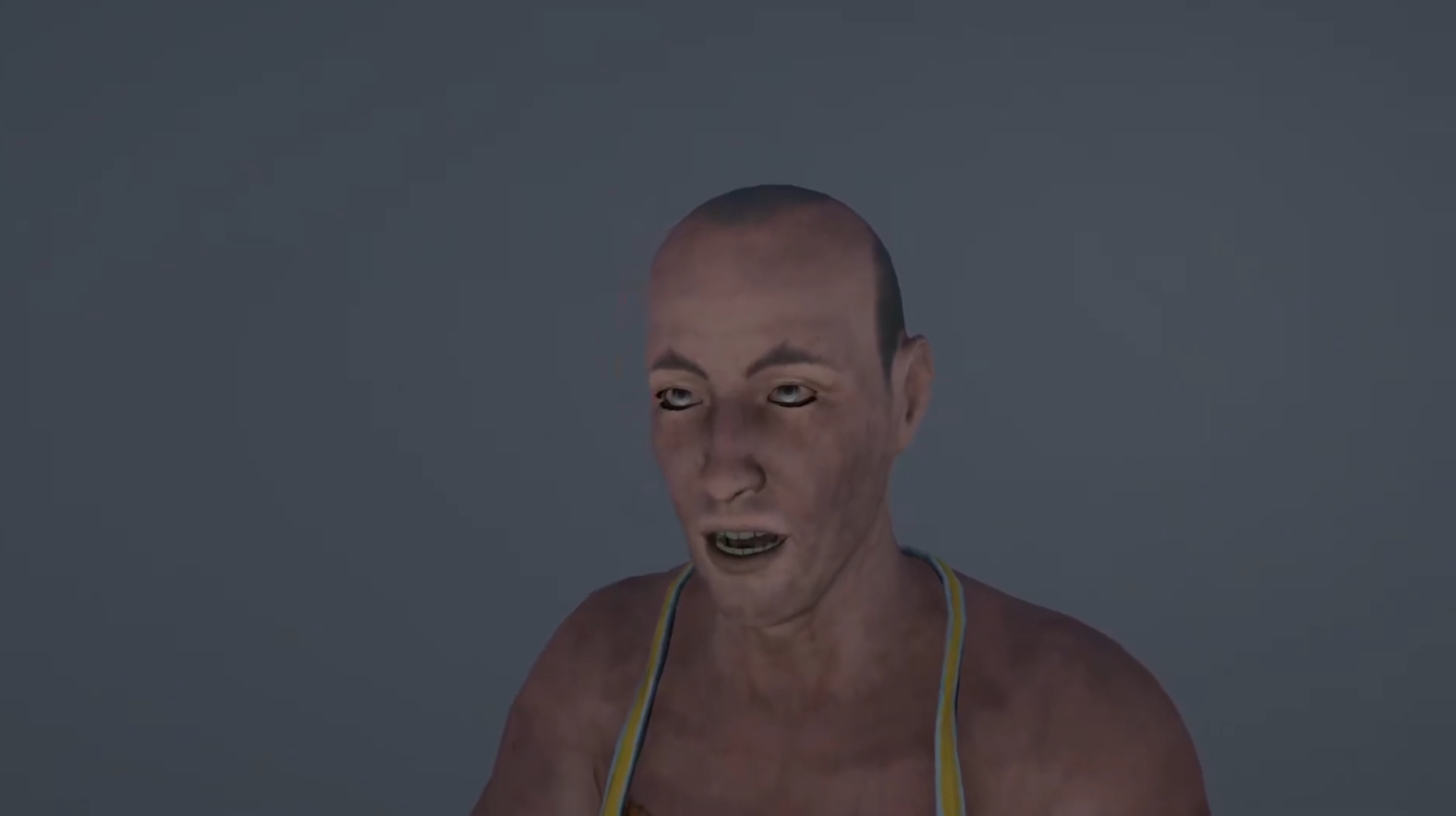
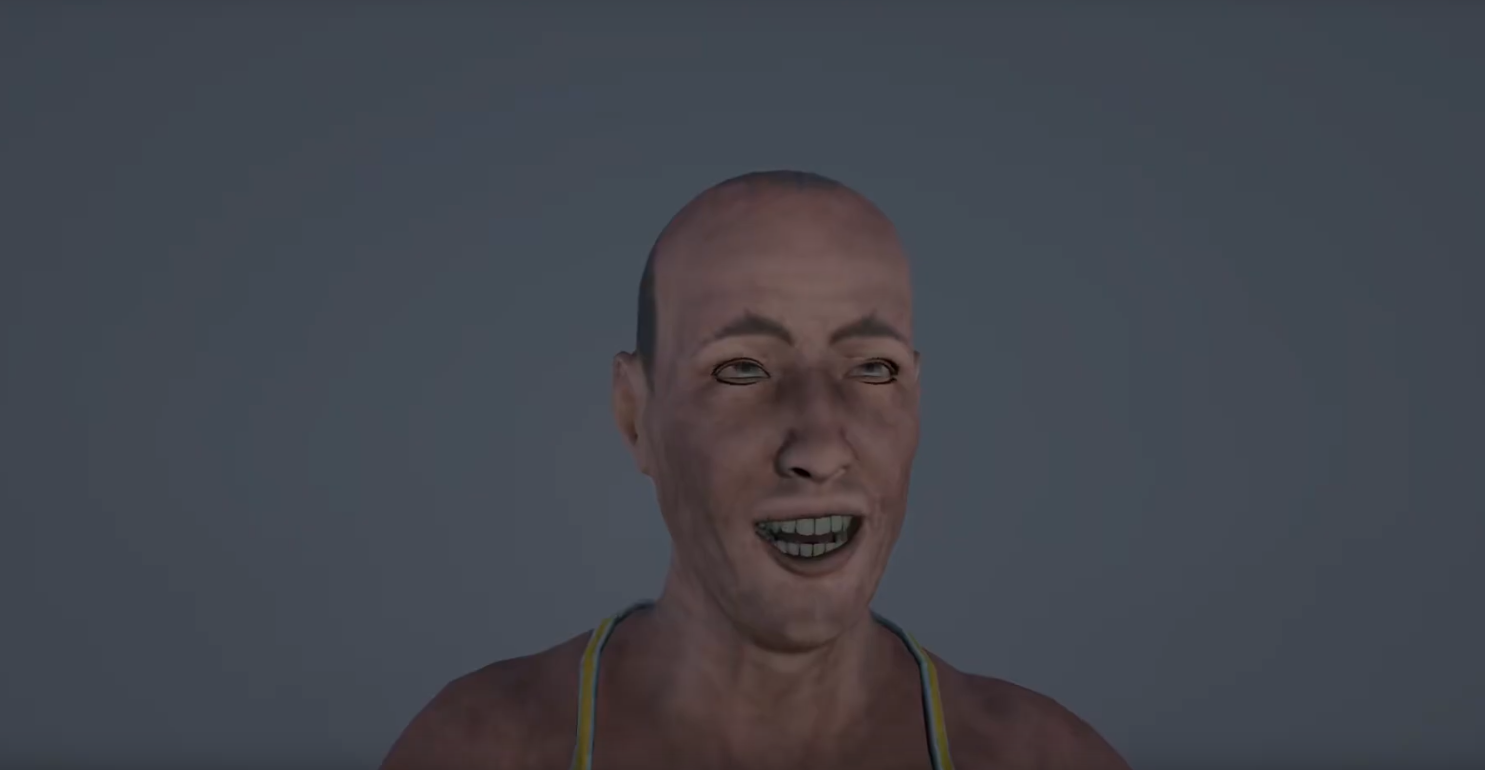
Example is at 41:47 on YouTube video
AutoBlink
How to use:
Install
- Download AutoblinkByMuminAmir.cs
- Put into your unity project assets
Setup
- Add the script to your character GameObject.
- Assign face and lashes SkinnedMeshRenderers.
- Enter exact blink blend shape names.
- Choose a Mode or set Custom BPM.
- Tweak probabilities, timings, weights, and curves.
Play. Blinks run automatically.
About:
This Unity MonoBehaviour drives realistic eye blinks via blend shapes on face and eyelashes. It samples blink intervals from an exponential distribution for natural spacing, enforces a refractory period, and varies patterns including single, double, long-hold, and partial blinks. Separate easing curves control close/open motion, with subtle desync between lids and lashes. Multiple activity modes adjust blink rate, and all timings, probabilities, and weights are editable. Supports scaled or unscaled time and safely resolves blend shape indices by name at edit/runtime.
LipSync
Unity lip-sync tool with custom editor, viseme timelines, emotion tracks, captions, and smart auto-generation for speech or singing by Mumin Amir.
How to use:
Install
- Download FreeLipSync ForUnityByMuminAmir.zip
- Extract it
- Put "Editor" and "Runtime" folders into your unity project assets.
Create Data
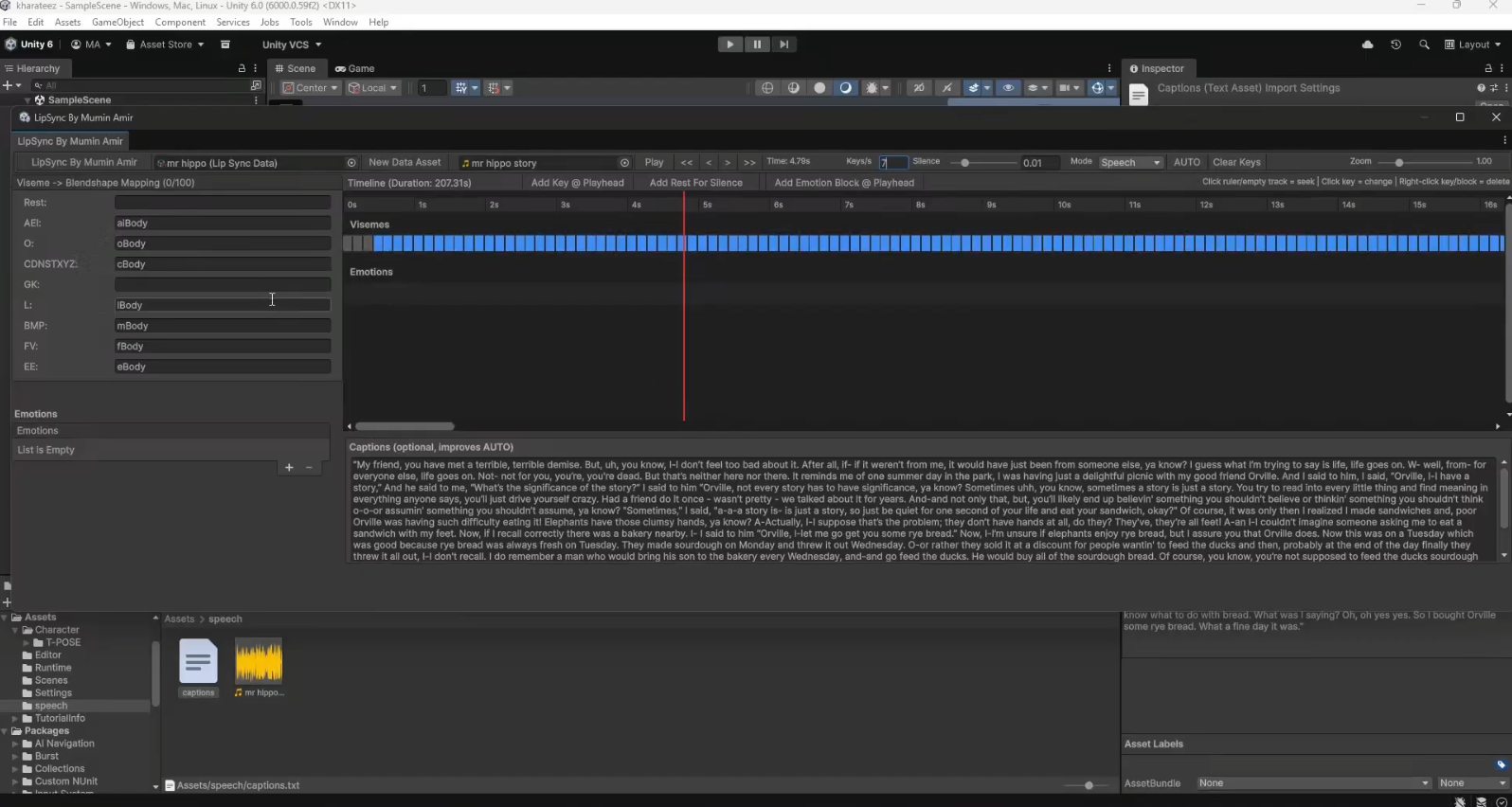
- Tools → LipSync By Mumin Amir → New Data Asset.
Assign Audio
- Drag an AudioClip into the Data asset or drop it into the window.
Map Visemes
- Enter your SkinnedMeshRenderer blendshape names for each viseme.
Add Keys
- Play audio, scrub timeline, click Add Key @ Playhead or right-click keys to edit/delete.
AUTO Generate (Optional)
- Add captions (optional), choose Mode (Speech/Singing), click AUTO.
Add Emotions
- Click Add Emotion Block, adjust start/end/weight, drag blocks on timeline.
Play in Scene
- Add LipSyncPlayer to a GameObject, assign Data, AudioSource, and Face Renderer.
Choose Playback Style
- Select HardBinary or SmoothCrossfade, tweak crossfade time, press Play.
About:
LipSync By Mumin Amir is a complete Unity lip-sync authoring and playback system built for fast, manual control with smart automation. It provides a custom Editor window for creating viseme timelines, emotion blendshape tracks, and captions, all driven by a reusable ScriptableObject asset.
The Editor features a fixed viseme-to-blendshape mapping, a scrollable emotion editor, a zoomable timeline with scrubbing, snapping, and key editing, and a dedicated captions panel to improve automatic detection. An AUTO mode can generate viseme keys from audio using noise-aware speech detection, optional caption guidance, or a singing-friendly vowel detector for vocal stems. Emotion blendshapes can be layered over time with adjustable weights and draggable blocks.
At runtime, the LipSyncPlayer component plays the audio and applies visemes and emotions to a SkinnedMeshRenderer using either hard binary switching or smooth crossfades. The system supports precise timing, configurable crossfade duration, optional rest handling, and playback events, making it suitable for dialogue, cutscenes, NPCs, and stylized characters.
Designed to be lightweight, deterministic, and animator-friendly, LipSync By Mumin Amir avoids heavy FFT dependencies while still producing stable results, and keeps all data editable, debuggable, and reusable across scenes.
Download
Click download now to get access to the following files:
Leave a comment
Log in with itch.io to leave a comment.